01
Choose a screen
Select the Figma frame you want to explain. Fignotate works from the visible design.
 fignotate
Tell Fignotate what matters. Get a thoughtful set of editable annotations, placed right beside your Figma screen.
 01 Header
02 Course cards
✦
01 Header
02 Course cards
✦
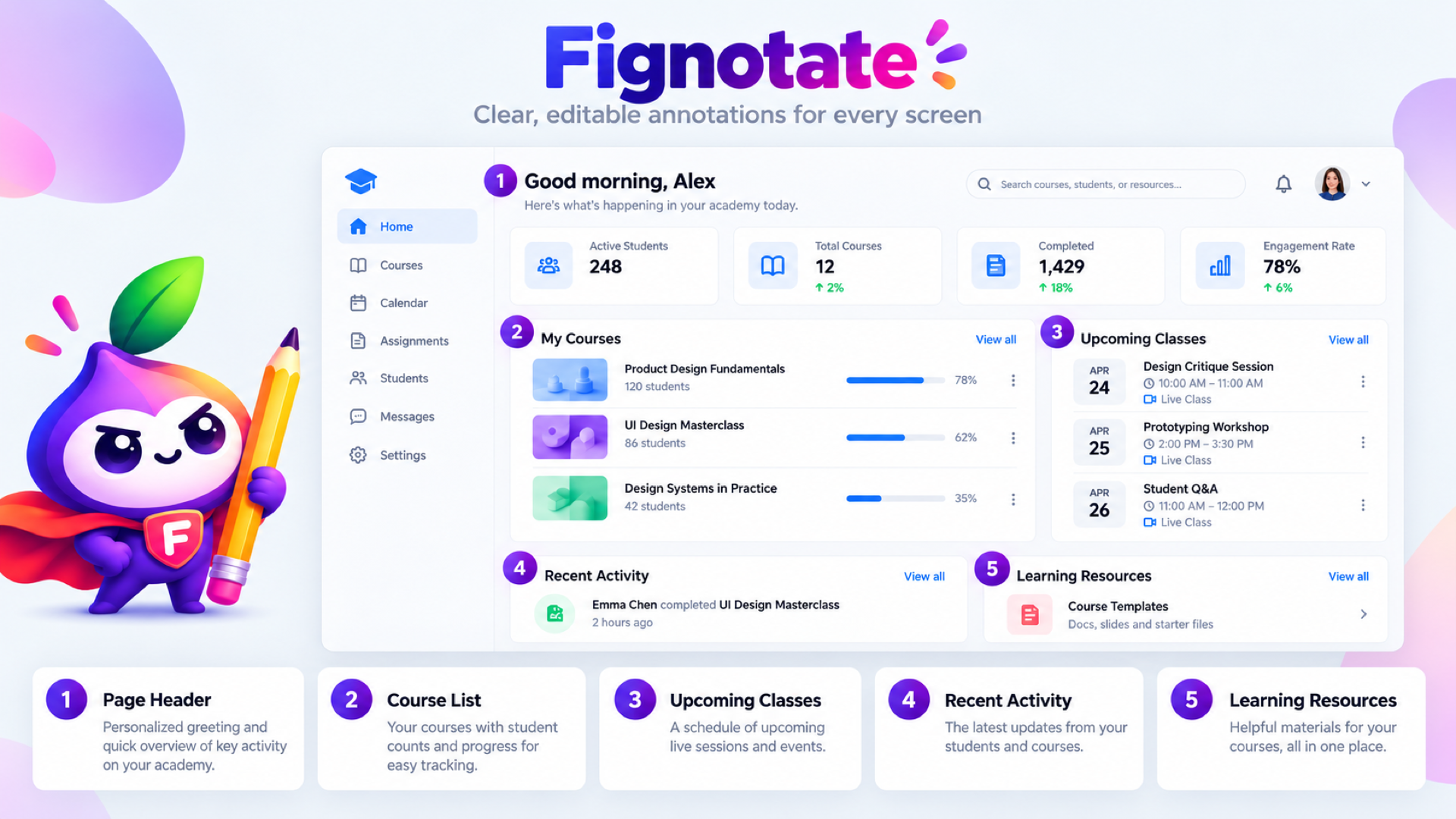
You decide what you need. Fignotate does the first pass, then hands it back to you to refine.
Select the Figma frame you want to explain. Fignotate works from the visible design.
Write a simple prompt, ask for a number of notes, or give it a checklist. No special format required.
Edit the titles and descriptions, pick a right or bottom layout, and place the set on your canvas.
Keep the screen, its numbered targets, and its annotation cards together in one tidy frame. Move it, share it, or keep editing it like any other part of your file.
Every annotated screen uses one screen from your allowance. If a request fails, you are not charged.
Get a feel for it on your own screens.
For designers who annotate every handoff.
Payments are handled securely by Polar. Allowances renew monthly and do not roll over.
When you generate annotations, your selected frame and prompt are sent to Fignotate's service and its AI providers for that request. Fignotate does not store the screen, your prompt or the generated copy. We keep only your account, usage counts and billing status. See the privacy policy before sharing sensitive designs.
Sign in, connect the plugin, and annotate your first screen free.
Get started free